
Documentation Index
Fetch the complete documentation index at: https://docs.loraverse.io/llms.txt
Use this file to discover all available pages before exploring further.
Closed beta cohort · Compose scenes hold up to 2 characters + 1 environment. Keep imports short (a scene, brief, or script under 30 pages). Tight inputs are how this generation of models holds signal.
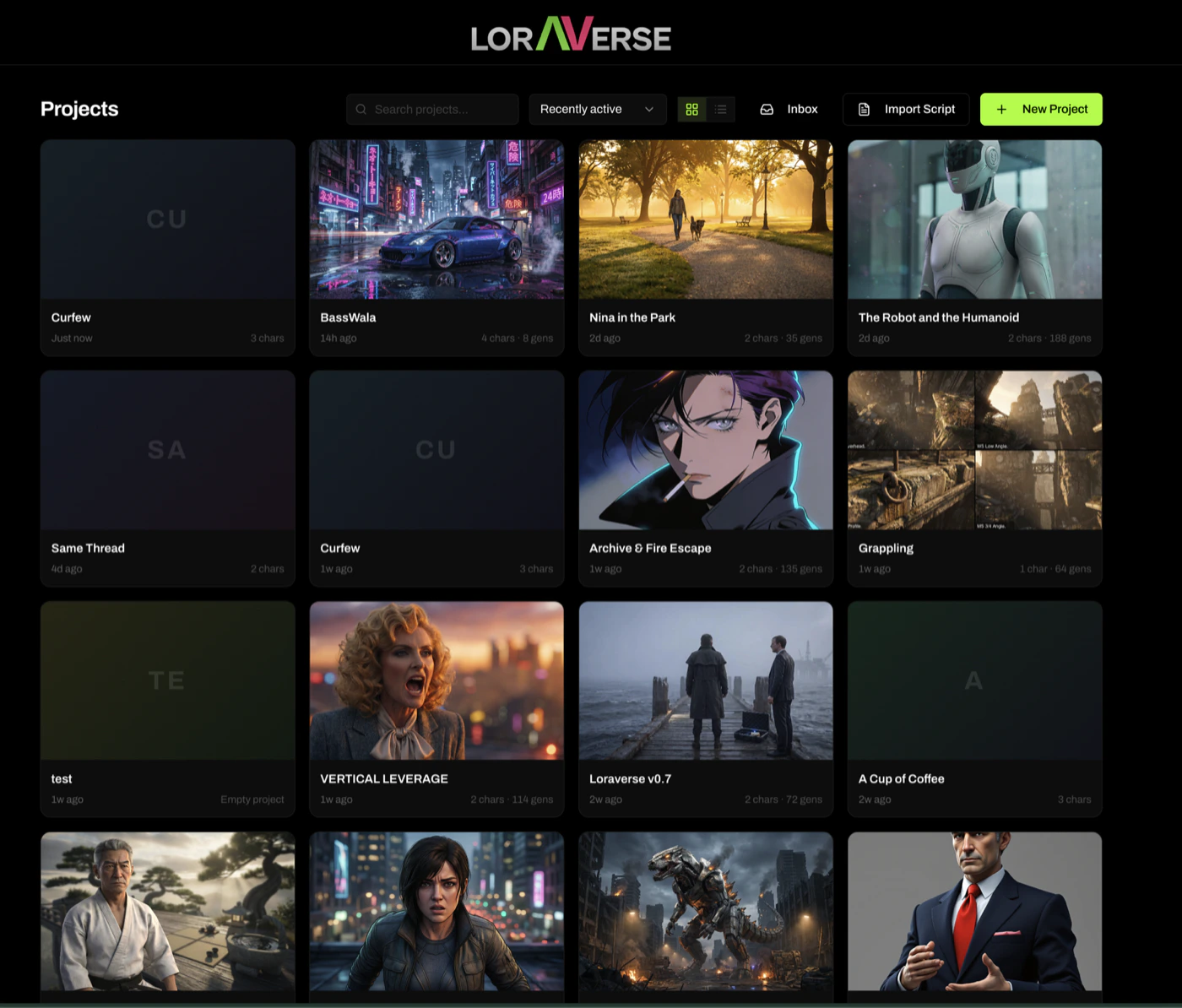
New Project
Start empty. Build everything from scratch in Create.
Import Script
RecommendedDrop a screenplay PDF or paste prose. Loraverse drafts your characters, environments, and props before you’ve written a single prompt.
Walking through Import
Drop a PDF or paste your text
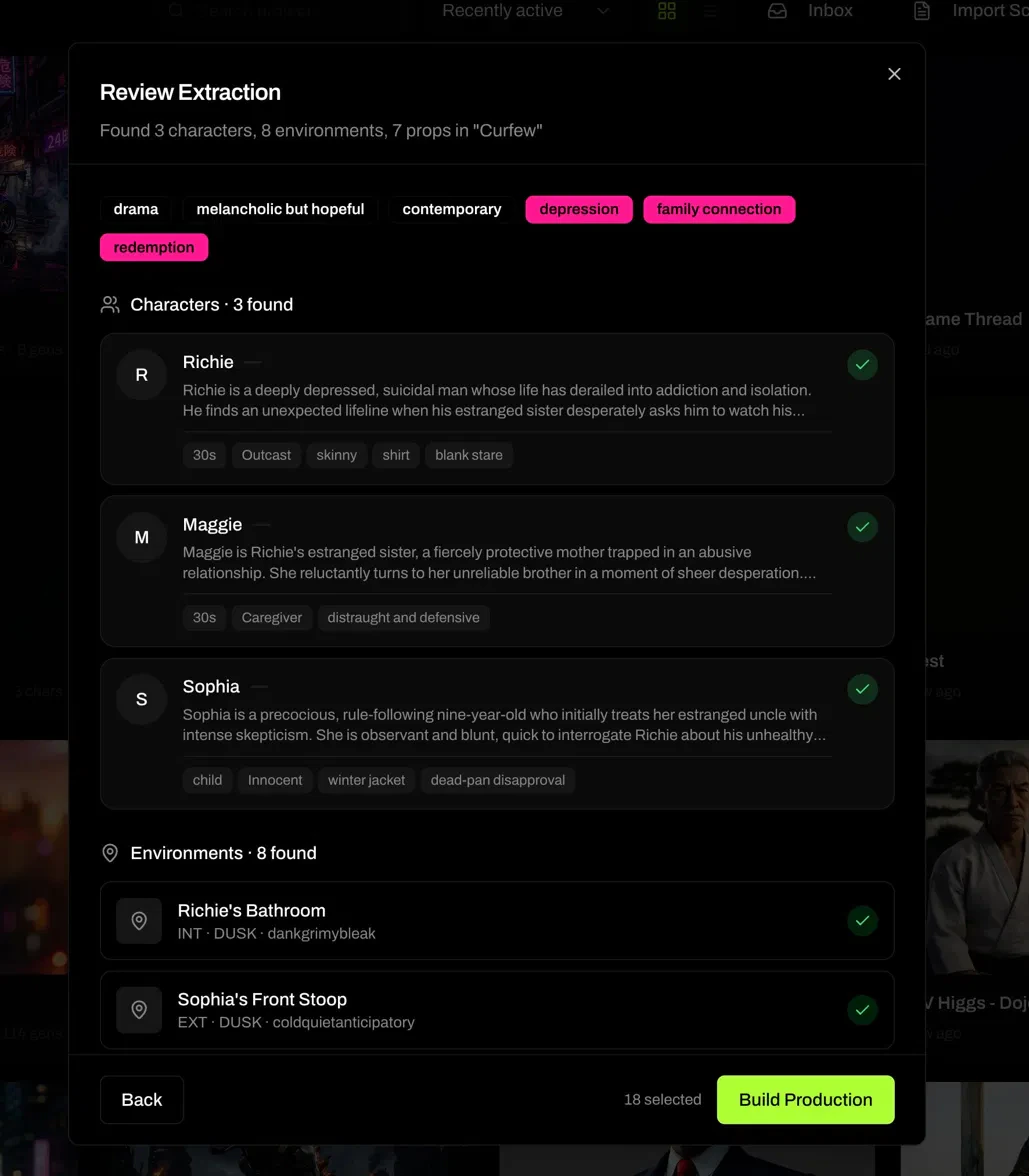
Loraverse reads the material and extracts structured production data from it.
Review Extraction
Loraverse shows you the characters with descriptions and visual tags, the environments with INT/EXT and mood, the props, and inferred theme tags. Confirm what you want.