
Documentation Index
Fetch the complete documentation index at: https://docs.loraverse.io/llms.txt
Use this file to discover all available pages before exploring further.
What’s in the panel
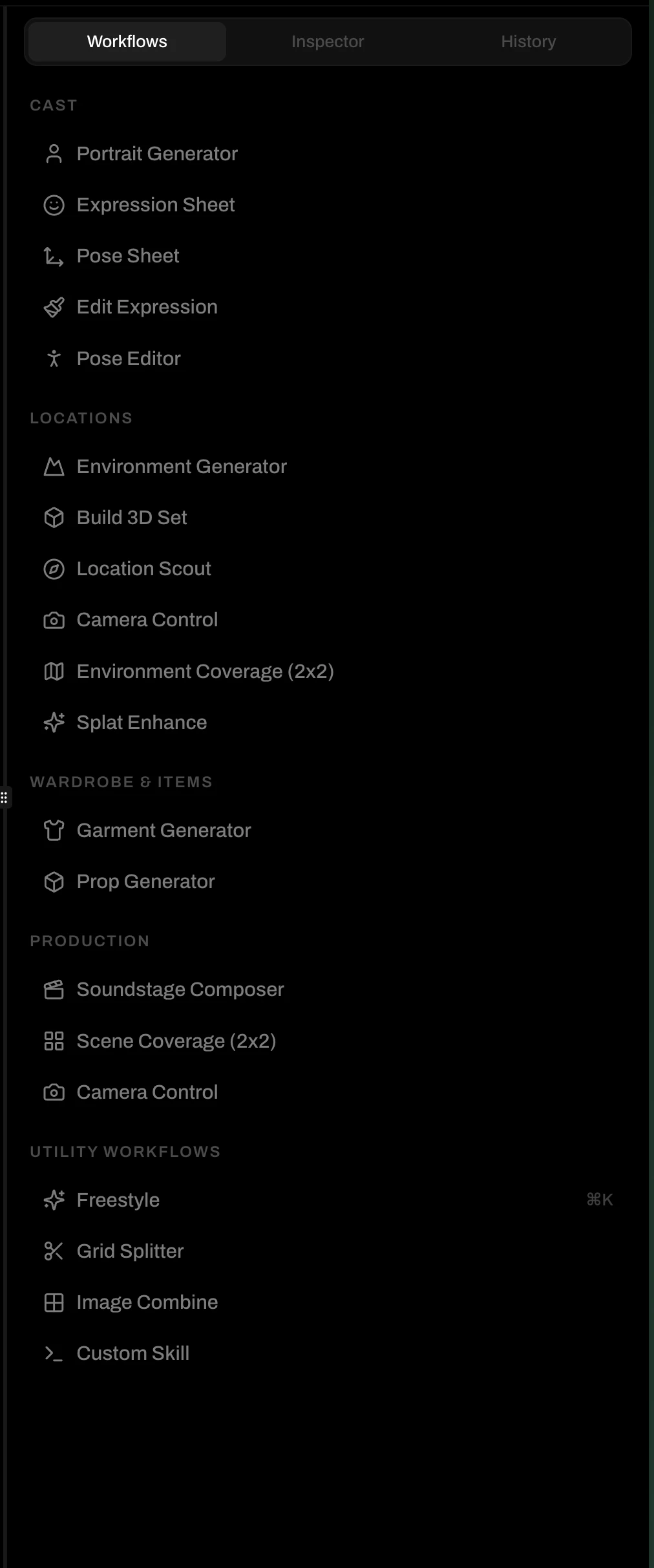
Cast
Portrait Generator ·
Expression Sheet ·
Pose Sheet ·
Edit Expression (docs coming) ·
Pose Editor (docs coming)
Expression Sheet ·
Pose Sheet ·
Edit Expression (docs coming) ·
Pose Editor (docs coming)
Locations
Environment Generator ·
Build 3D Set ·
Camera Control ·
Environment Coverage (docs coming) ·
Splat Enhance (docs coming)
Build 3D Set ·
Camera Control ·
Environment Coverage (docs coming) ·
Splat Enhance (docs coming)
Wardrobe & Items
Garment Generator (docs coming) ·
Prop Generator (docs coming)
Prop Generator (docs coming)
Production
Soundstage Composer (docs coming) ·
Scene Coverage (docs coming)
Scene Coverage (docs coming)
Utility
Grid Splitter ·
Image Combine ·
Freestyle (docs coming) ·
Custom Skill (docs coming)
Image Combine ·
Freestyle (docs coming) ·
Custom Skill (docs coming)
Portrait Generator
Generate a character portrait from their DNA. Pick your character, dial in the model, visual medium, and tone. Adjust format, length, and style weight in the Prompt Engine, or leave the defaults and generate. Use this to build a character’s initial look, or to generate new variations before setting canonical.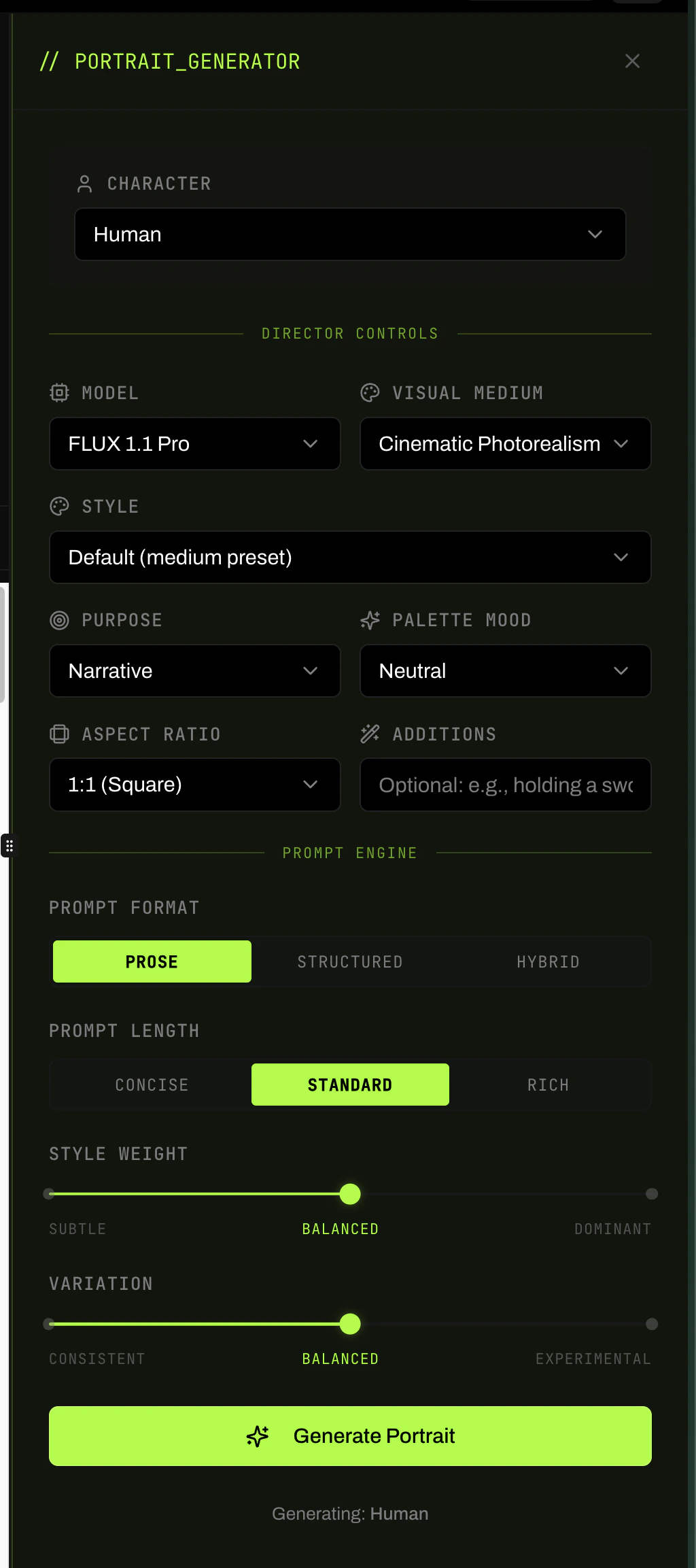
Expression Sheet
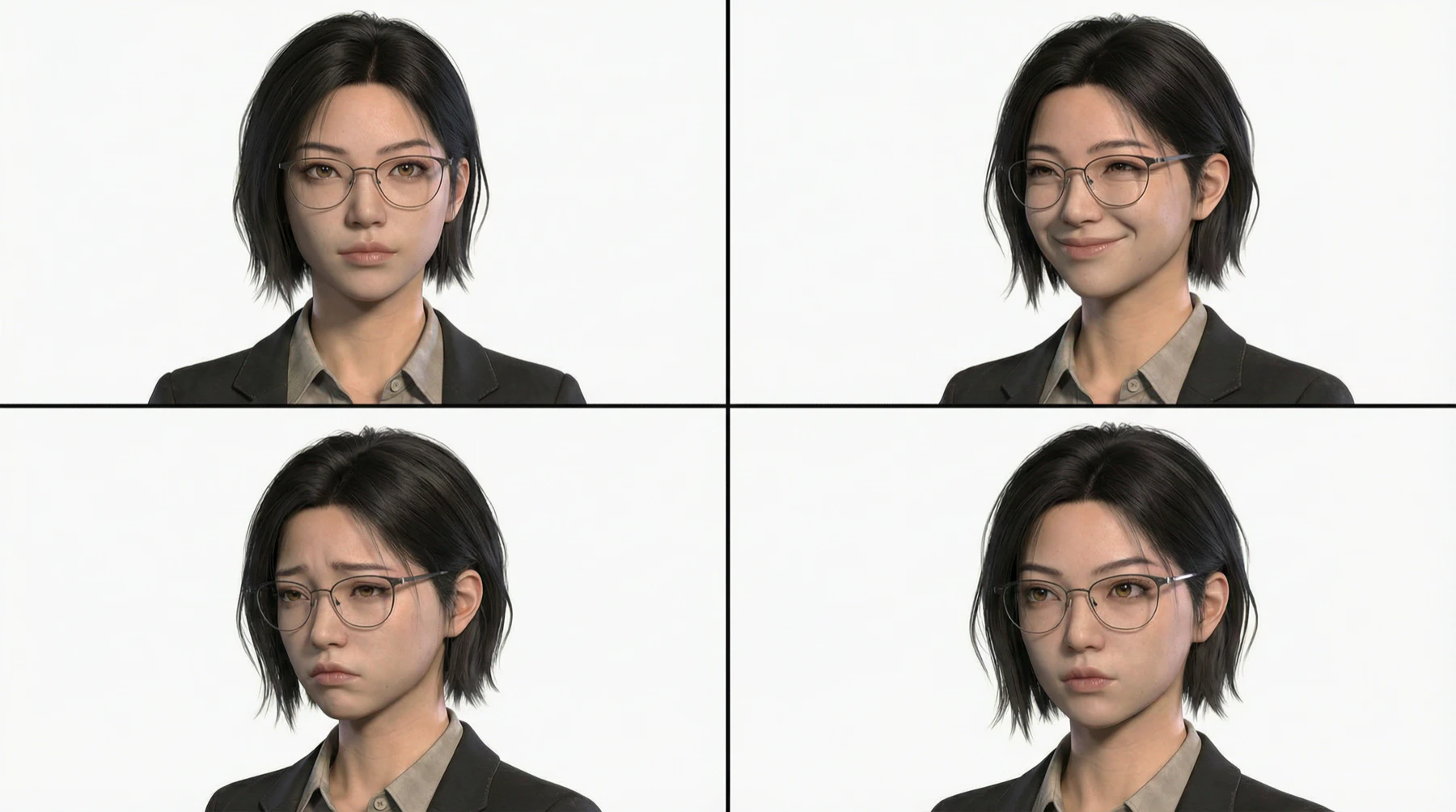
Generate a 2×2 grid of your character in four distinct emotional states. Assign an emotion to each panel: Neutral, Happy, Sad, Angry, Surprised, Fearful, Determined, Contemplative, Smirk, Exhausted. Optionally drop in a vision reference to anchor the look. Four frames. One generation. Each emotionally distinct.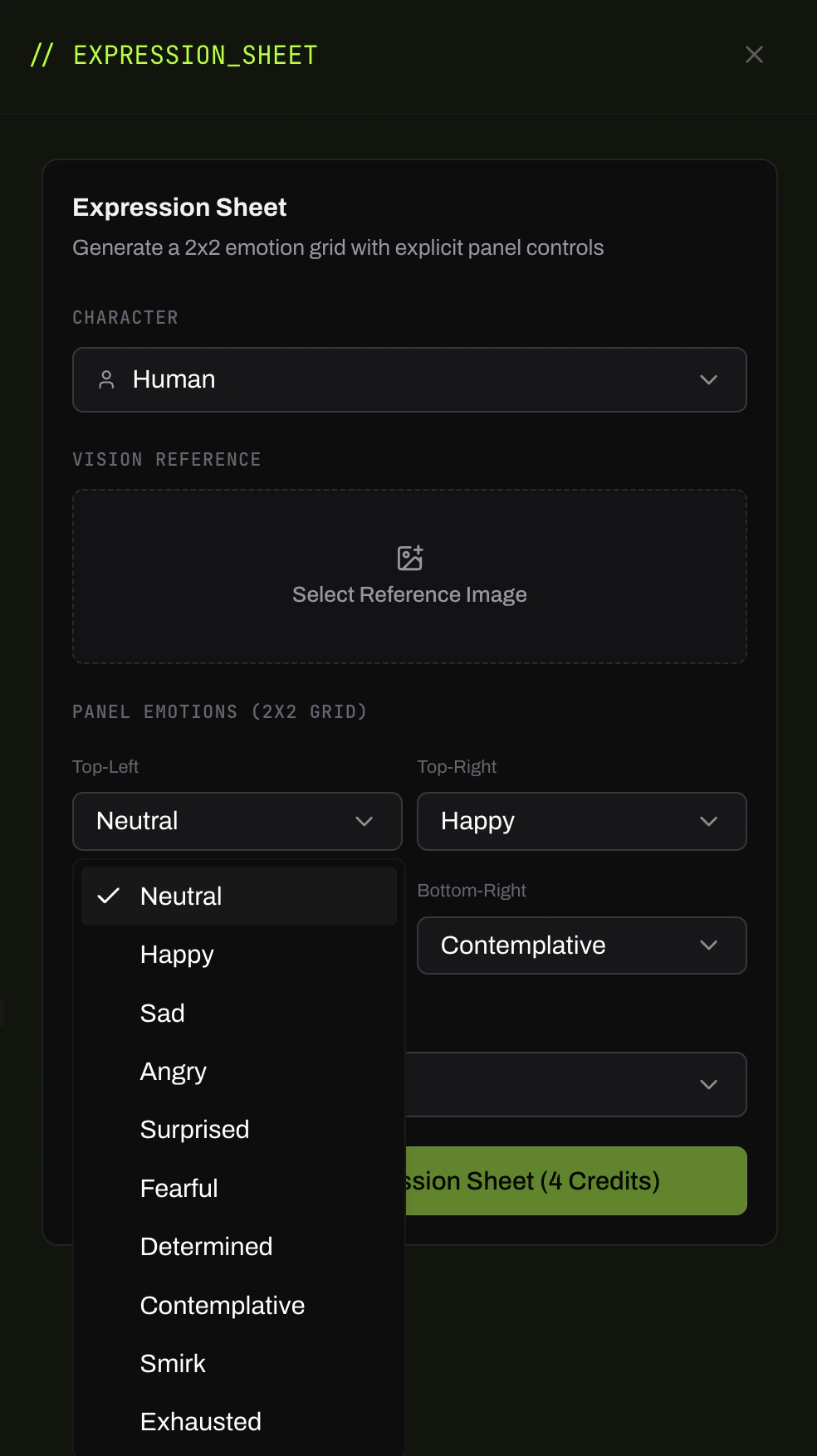
Pose Sheet
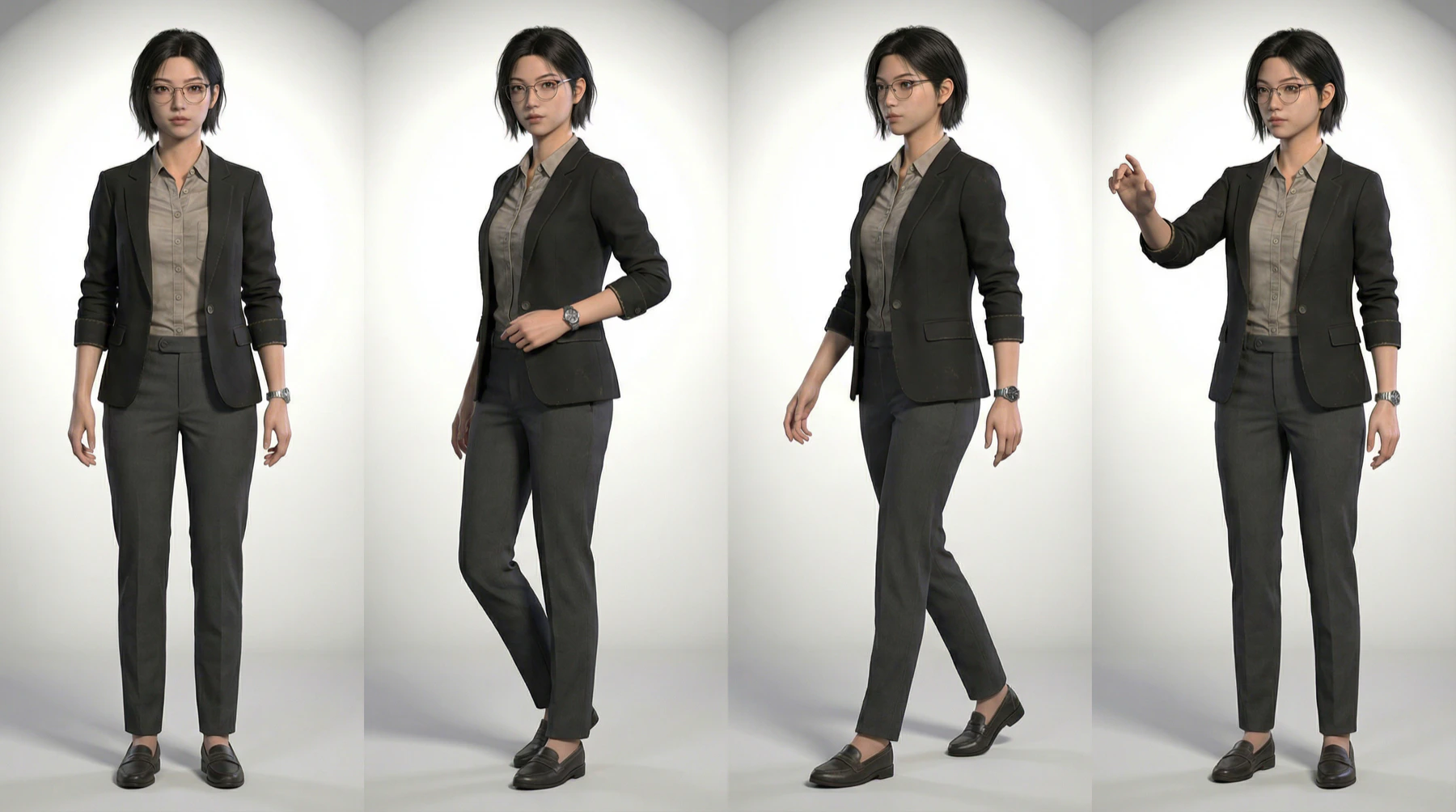
Generate a 2×2 grid of full-body poses for your character. Assign a pose to each panel: Neutral Front, 3/4 Relaxed, Walking Stride, Reach/Interact, and more. Load a reference portrait to hold the character’s look across poses. Use the output as pinned range references. The four-panel grid gives you the body-language library the character needs for scene work.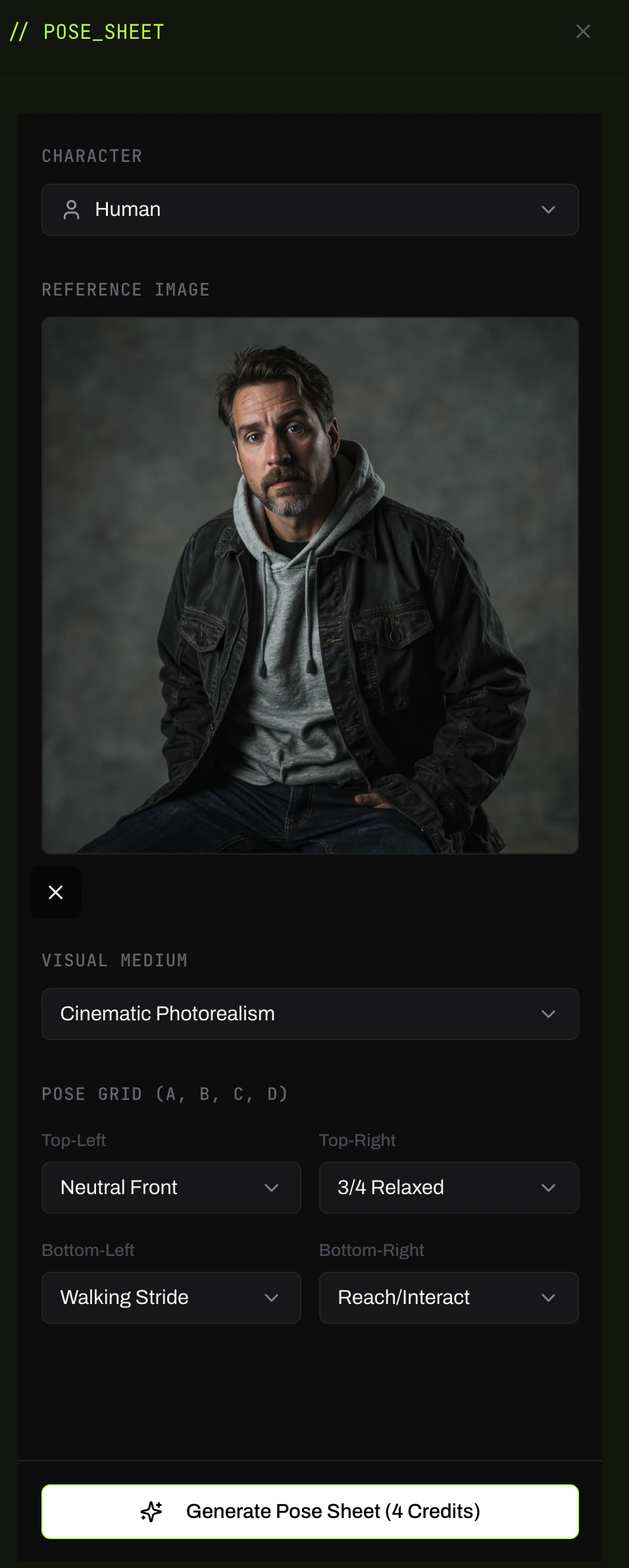
Environment Generator
Generate a cinematic location from your project’s environments. Set the shot type (Establishing, Wide, etc.), render mood, aspect ratio, and an optional focus target. The Prompt Engine compiles from your environment’s DNA. Use this to build an environment’s canonical look, or to generate lighting and mood variations before pinning references.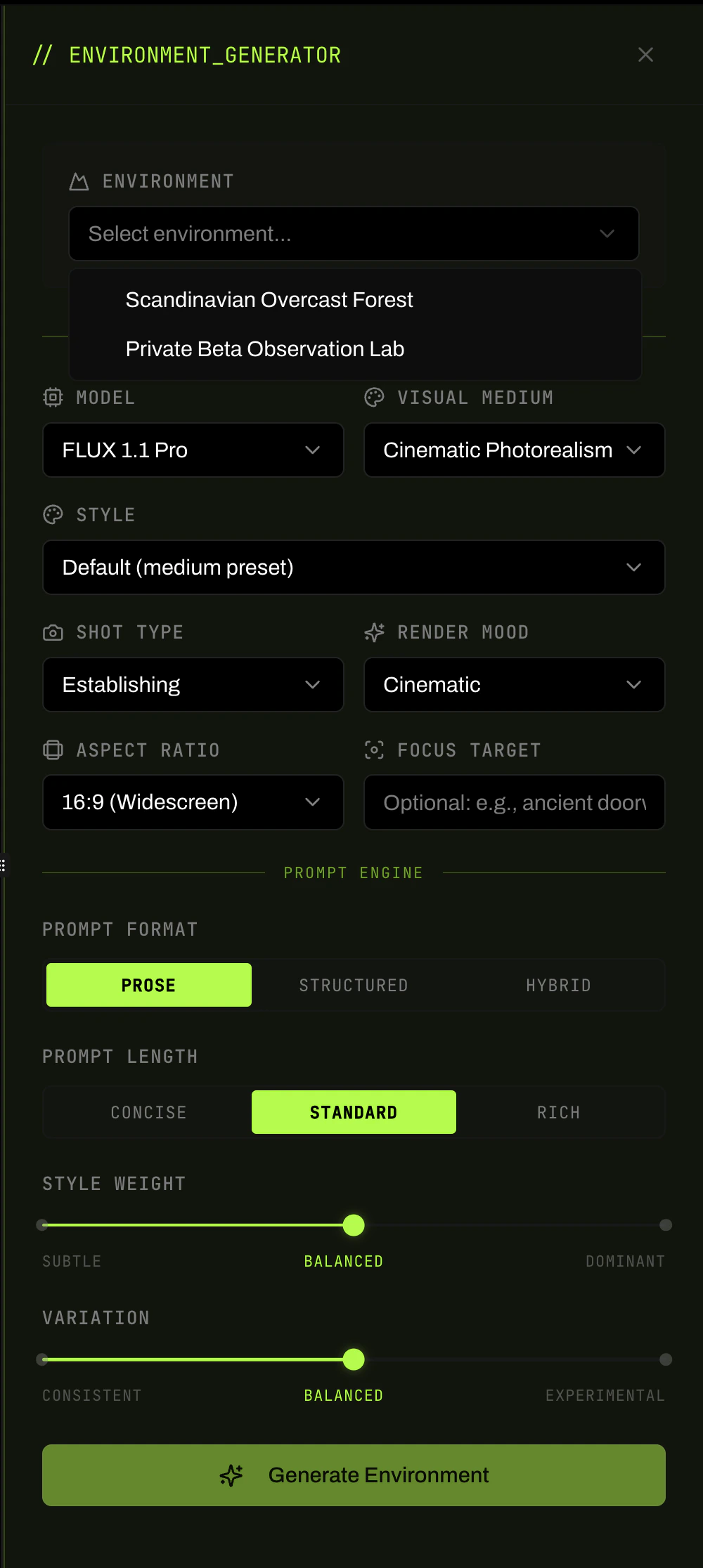
Build 3D Set
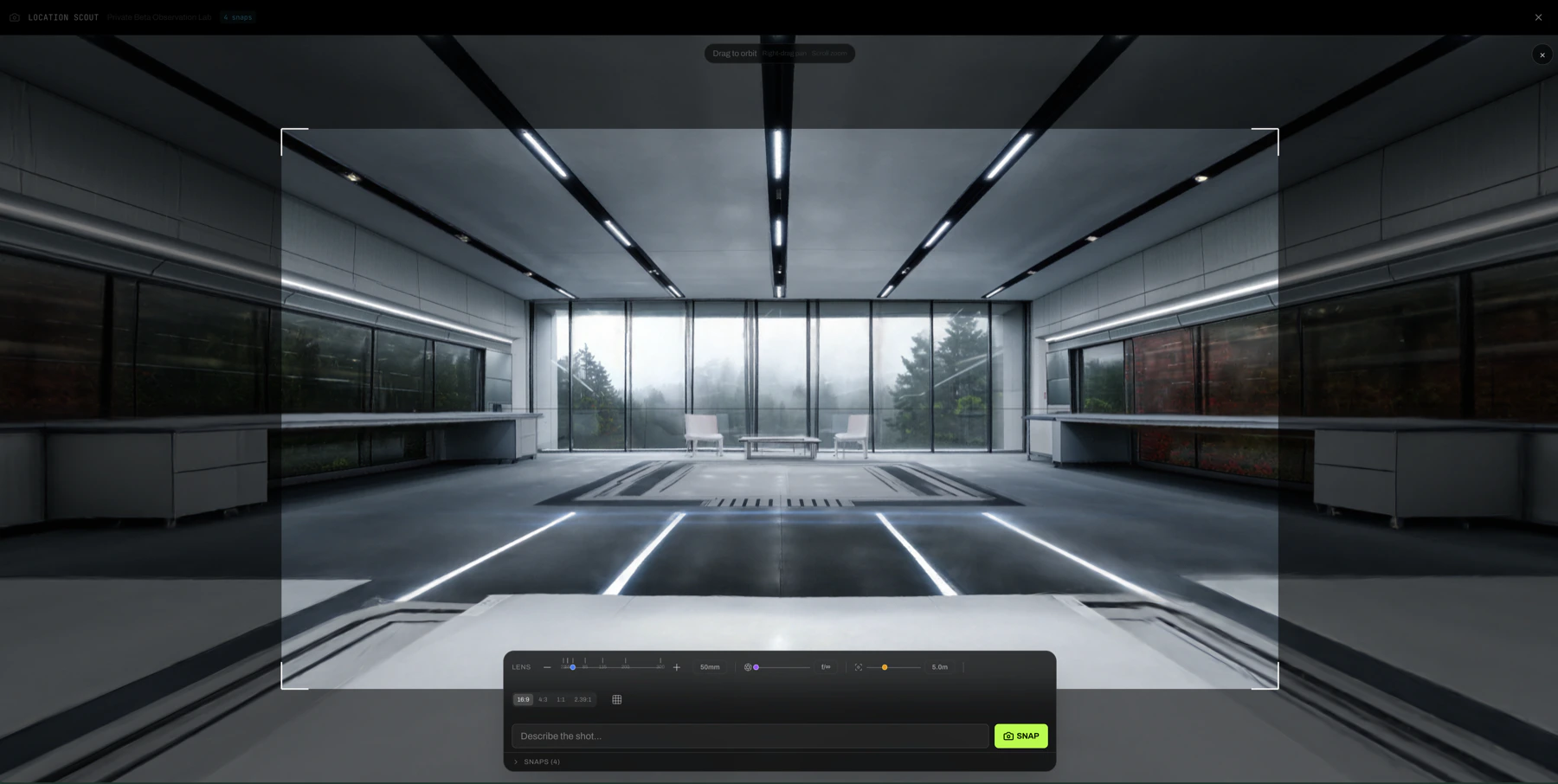
Turn an environment into an explorable 3D world. Once built, open the Location Scout to orbit the space, set your lens (focal length, depth of field, distance/zoom), frame the shot, and snap. Each snap becomes a source image for further generation. This is how you establish camera geography for a location before you’ve shot a single scene.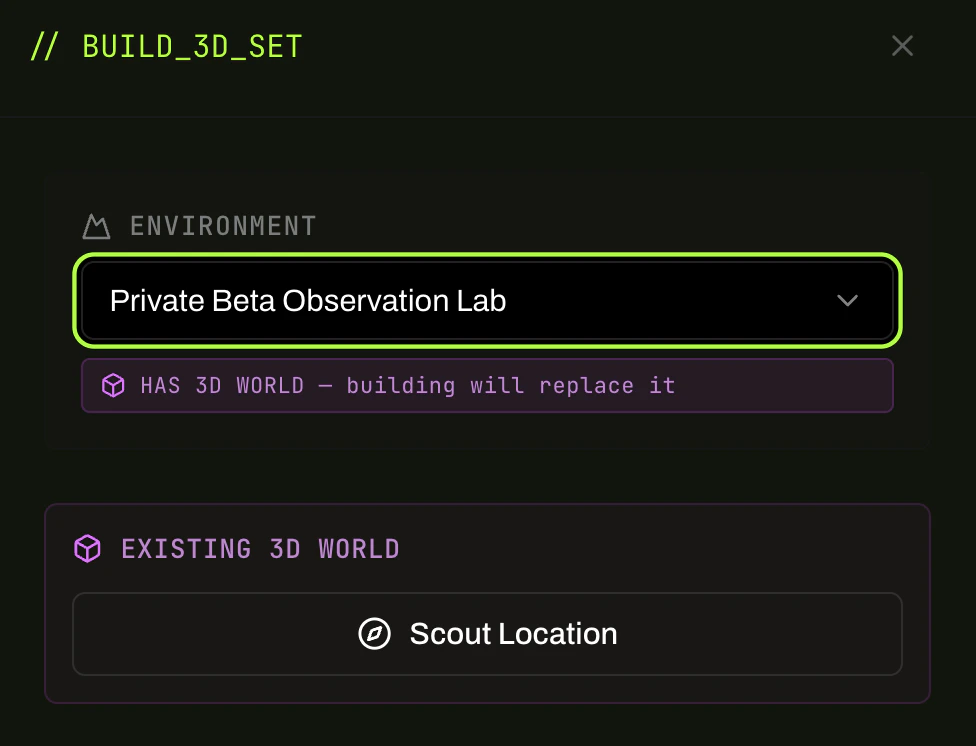
Camera Control
Reframe an existing image with a precise camera rig. Load a source portrait or scene frame, then drag the 3D orbit to reposition (Rotation, Vertical Tilt, Distance/Zoom). Use Quick Picks (Hero Shot, Dramatic Low, Profile Right, 3/4 View) for fast presets, or expand Fine Tune and Advanced Settings for frame-level control. Use this when you have the right image but the wrong angle.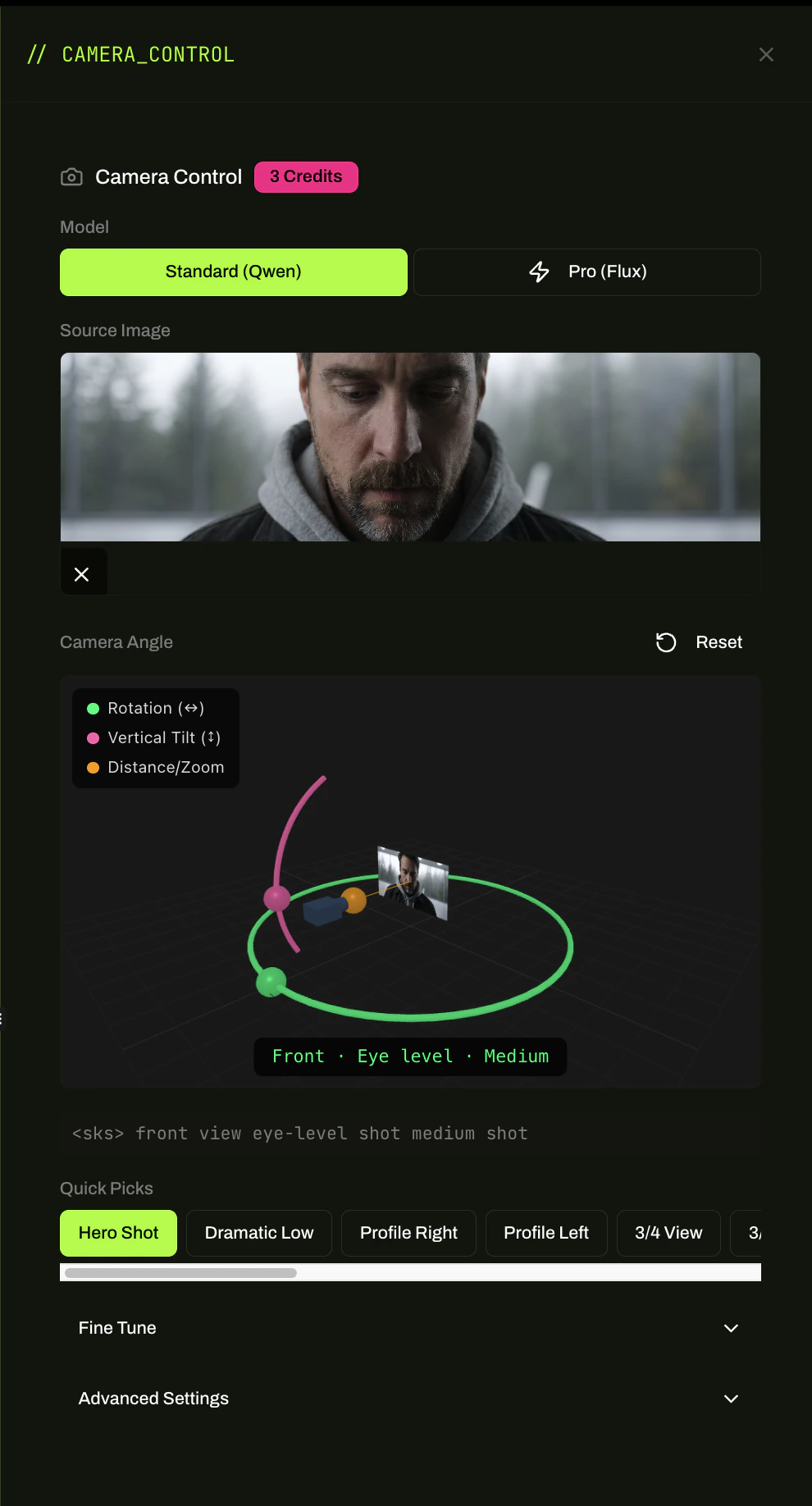
Grid Splitter
Split a composite generation into individual tiles. Set the rows and columns, preview the grid overlay on the source image, and split. Each tile lands as its own frame in the Library. Use this after generating an Expression Sheet or Pose Sheet to extract individual frames for pinning or scene use.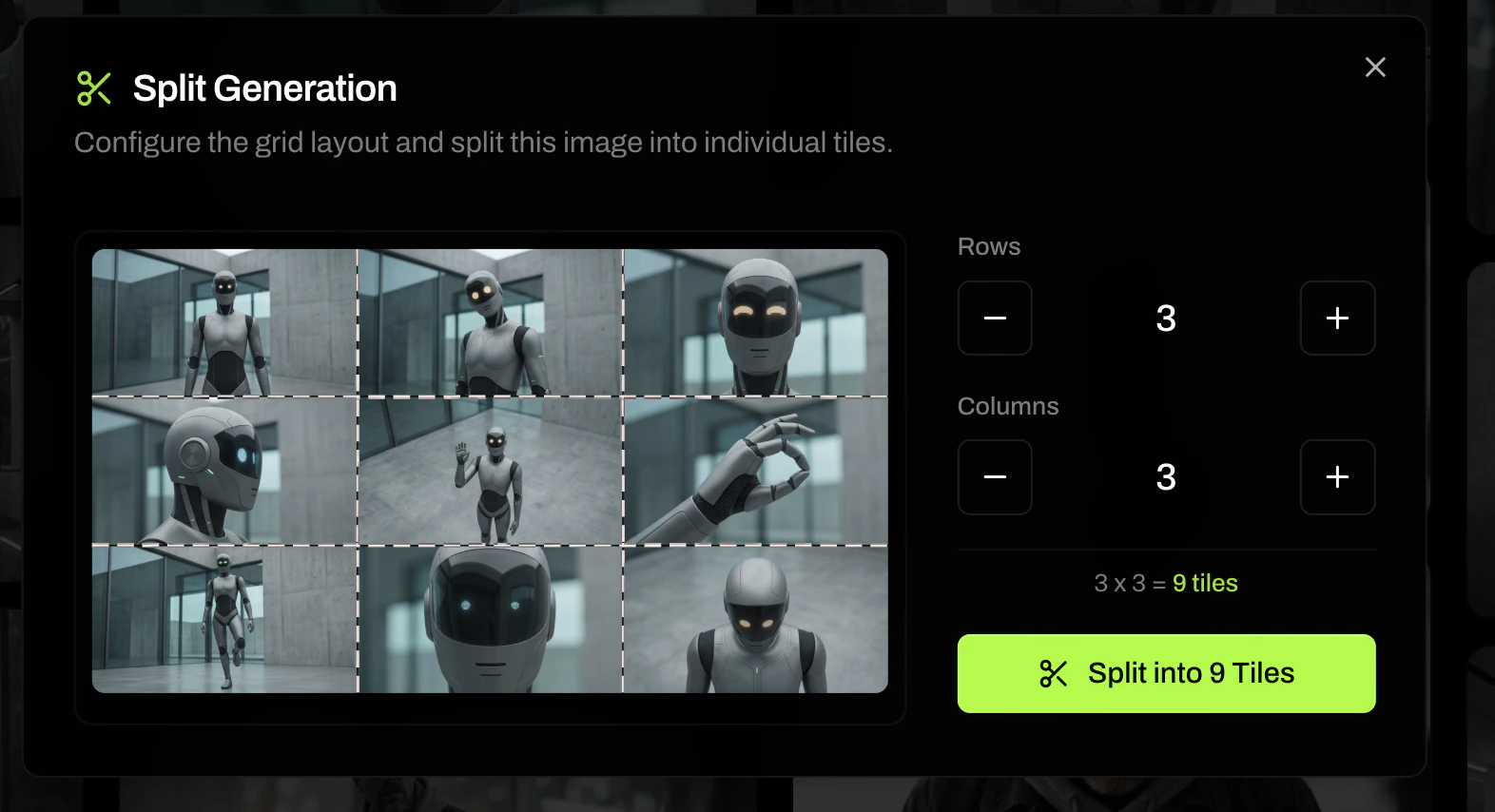
Image Combine
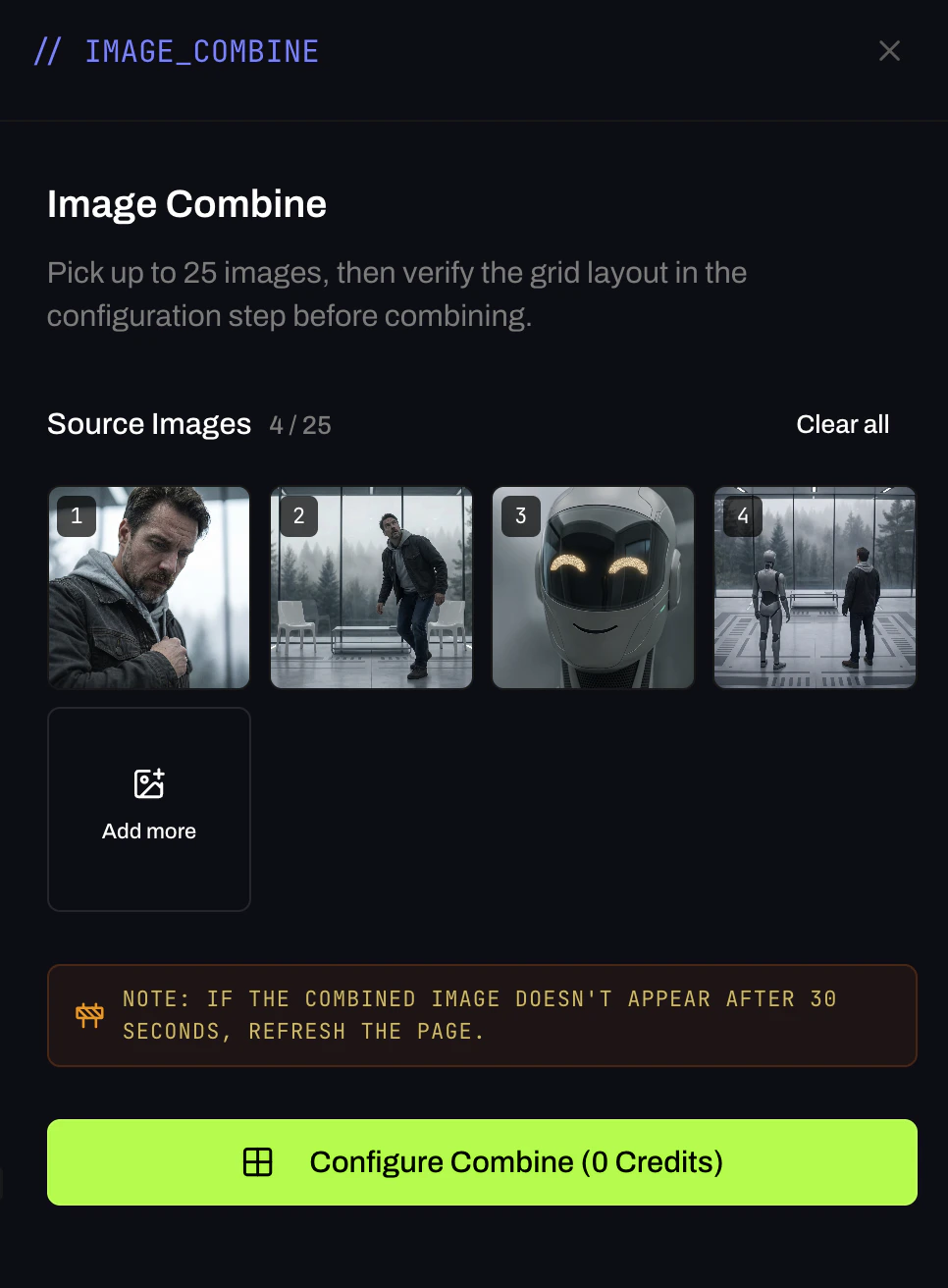
Combine up to 25 images into a single composite. Select your source images, configure the grid layout in the next step, and combine. Useful for building reference sheets, mood boards, and multi-character layouts.