

Documentation Index
Fetch the complete documentation index at: https://docs.loraverse.io/llms.txt
Use this file to discover all available pages before exploring further.
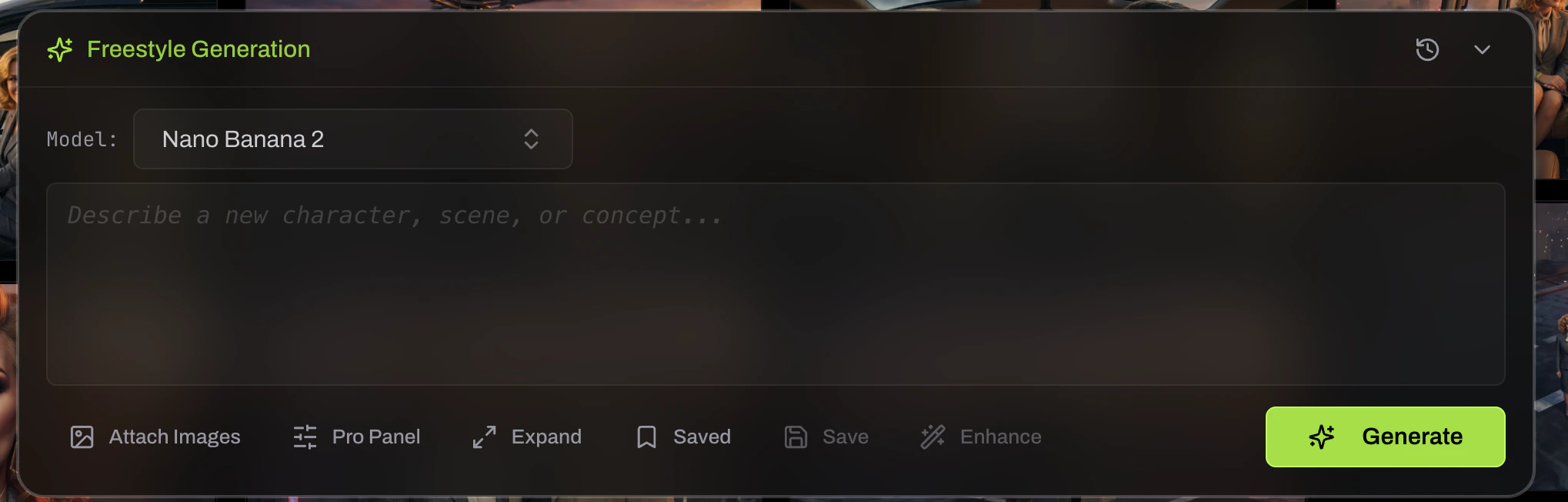
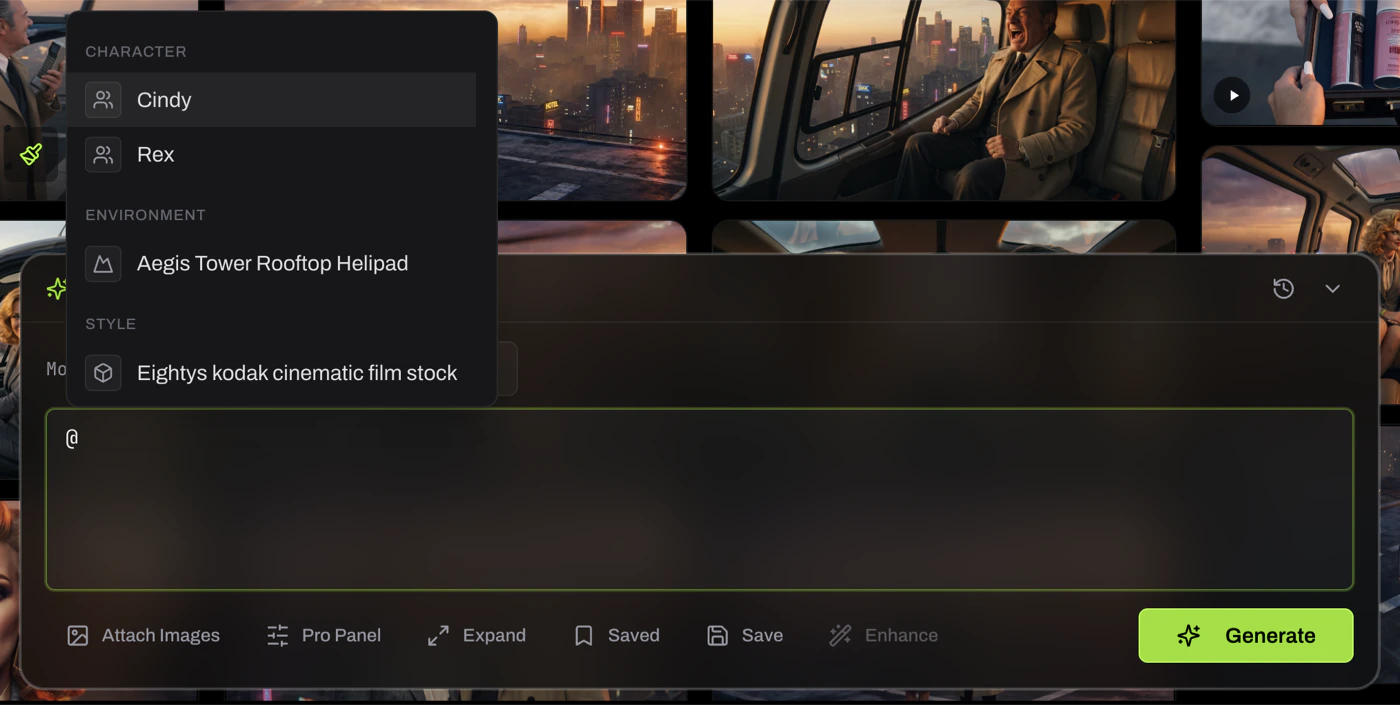
@ and your project’s Cast, Locations, Props, and Styles appear in a dropdown. Pick one. The entity is now linked to your generation. Its name becomes a token in the prompt, and when the entity is canonical, Loraverse automatically attaches its trusted references. You don’t have to remember what Nina looks like. Loraverse already does.
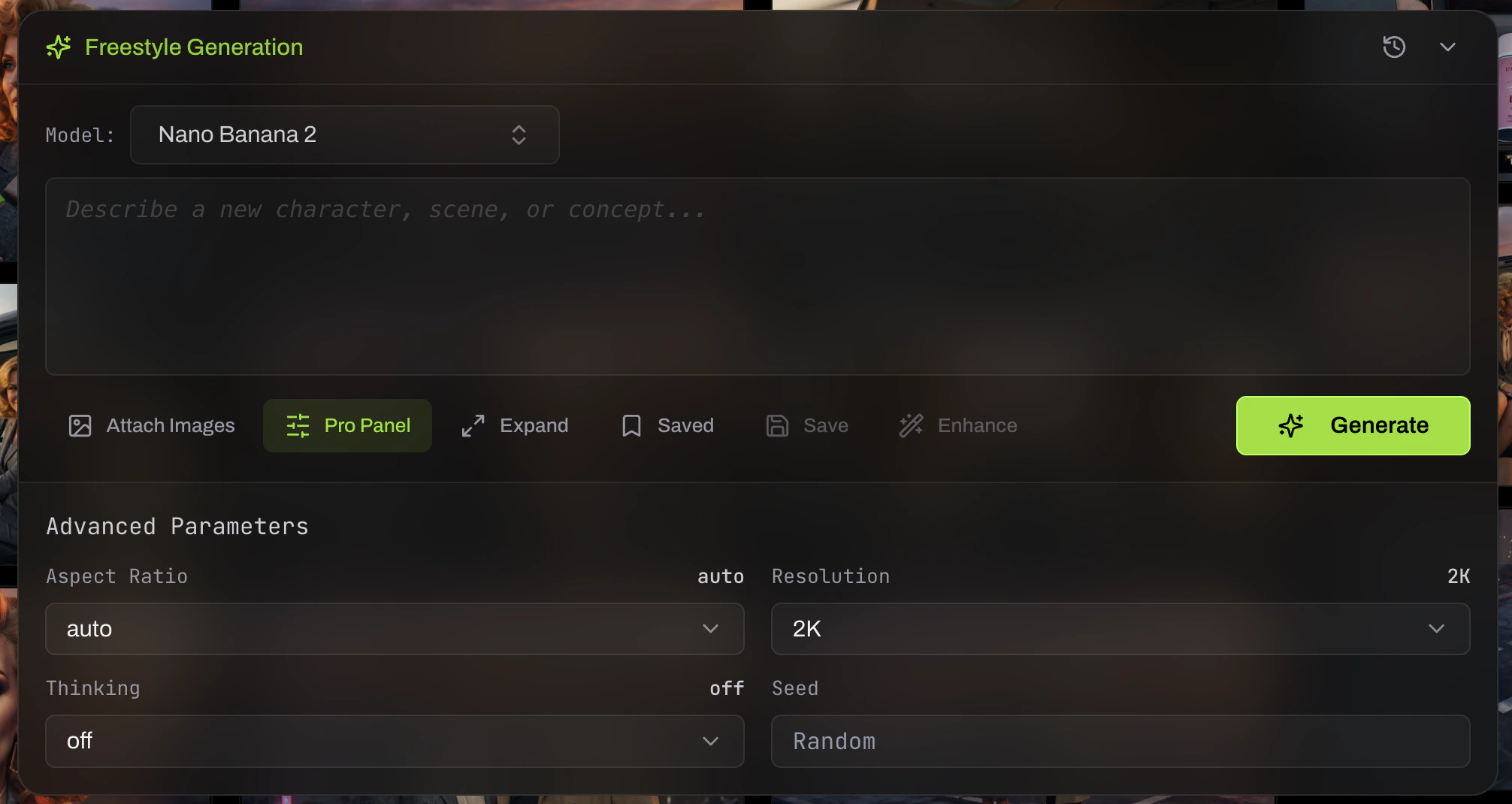
/. Commands like /portrait, /scout, /edit, /vary, and /general route your prompt through the right workflow. Modifiers like +style blend in another decision.
Saved prompts. Save a prompt you’ll want again. Load it later.
The Command Bar is where your past decisions get applied automatically. Forge an entity, mark it canonical, and from that point on, mentioning it anywhere brings the trusted version with it. The structure you’ve already built is doing work for you every time you generate.