Use this file to discover all available pages before exploring further.
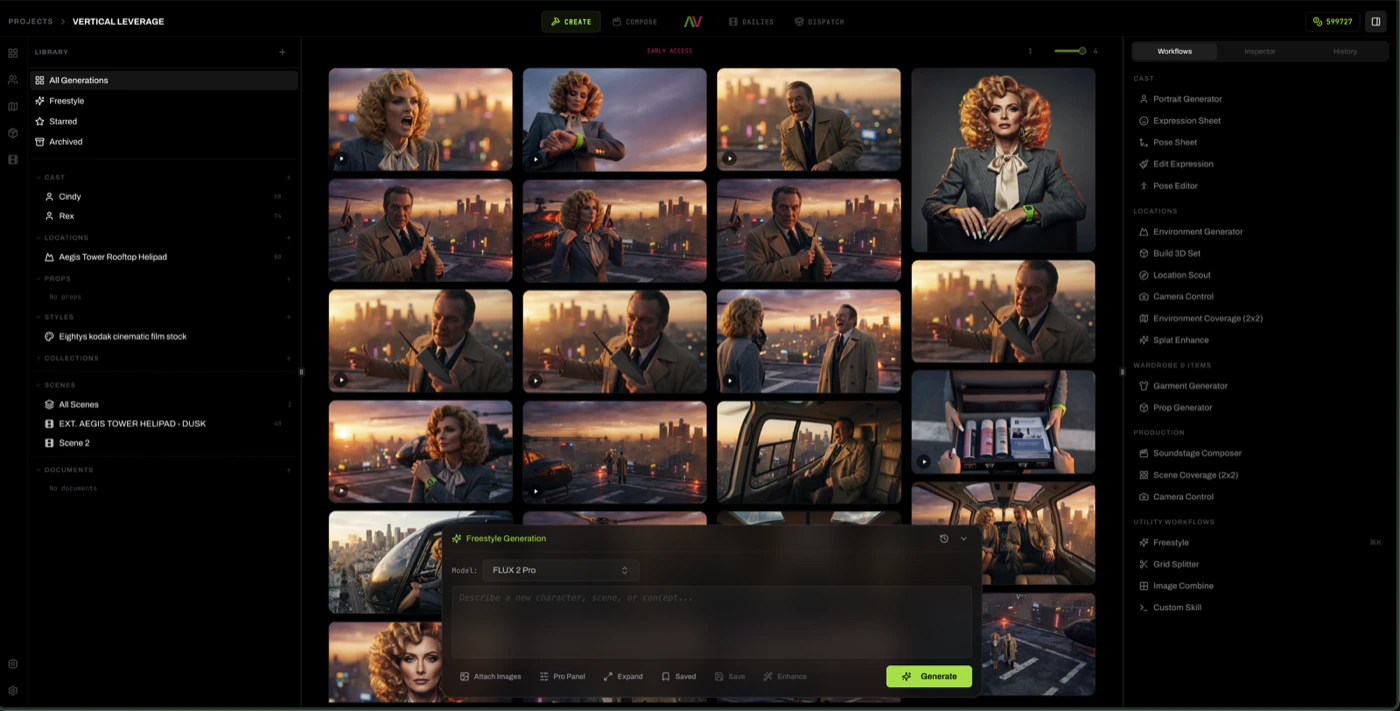
You’re in Create. Look at the left rail.The Library is already populated. Cast, your characters with names and avatars. Locations, your environments tagged INT or EXT. Props, the objects that matter to your story. None of this came from a prompt. It came from the script you imported.This is the load-bearing demo of how Loraverse thinks. You didn’t describe a character to generate one. You imported a story, and Loraverse built it as a structured production before a single image was made.Click any entity. The Dossier opens. The entity’s profile. Their is already filled in from your script. Identity, Story, Look, Physical. The visual tags, the wardrobe defaults, the role, the archetype — drafted for you, editable by you.
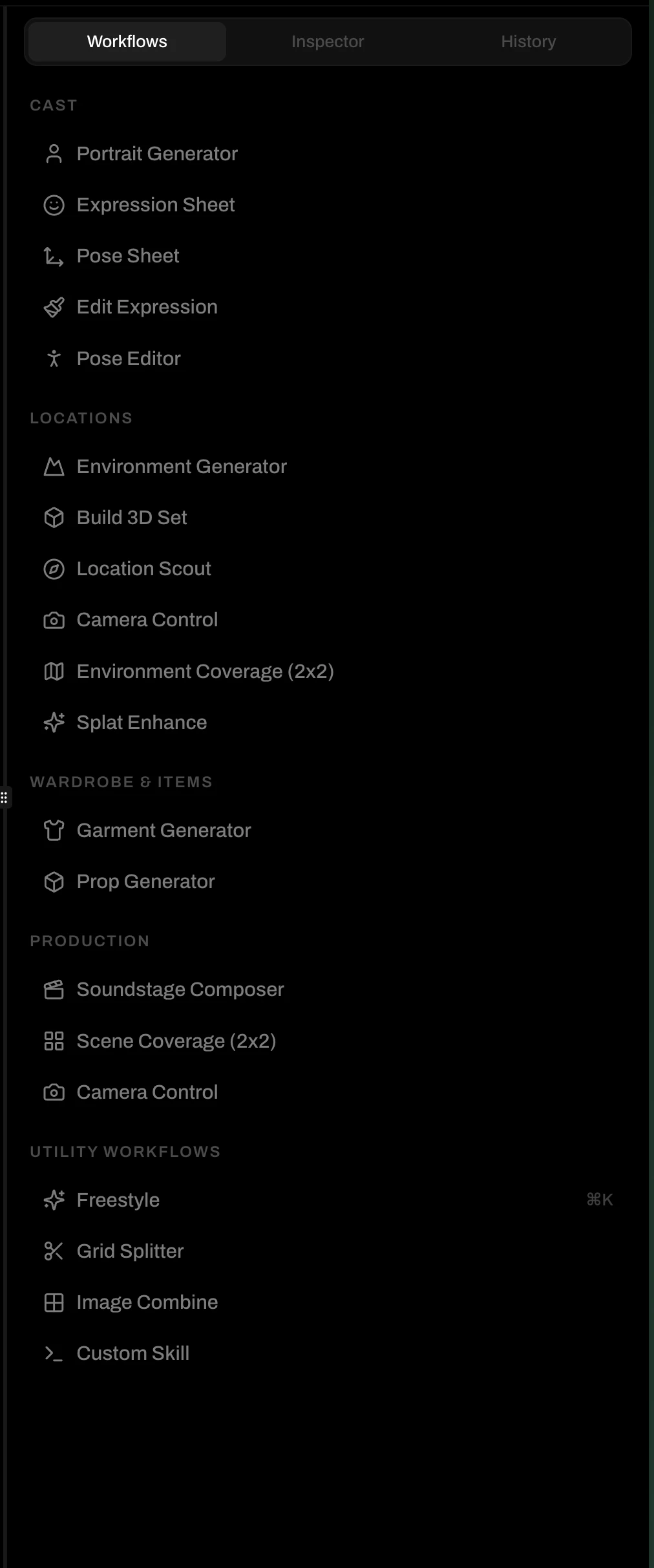
Pick Portrait Generator. Your character is already pre-selected. The prompt is being compiled from their DNA. Adjust a few knobs (model, palette mood, prompt format) and hit Generate.
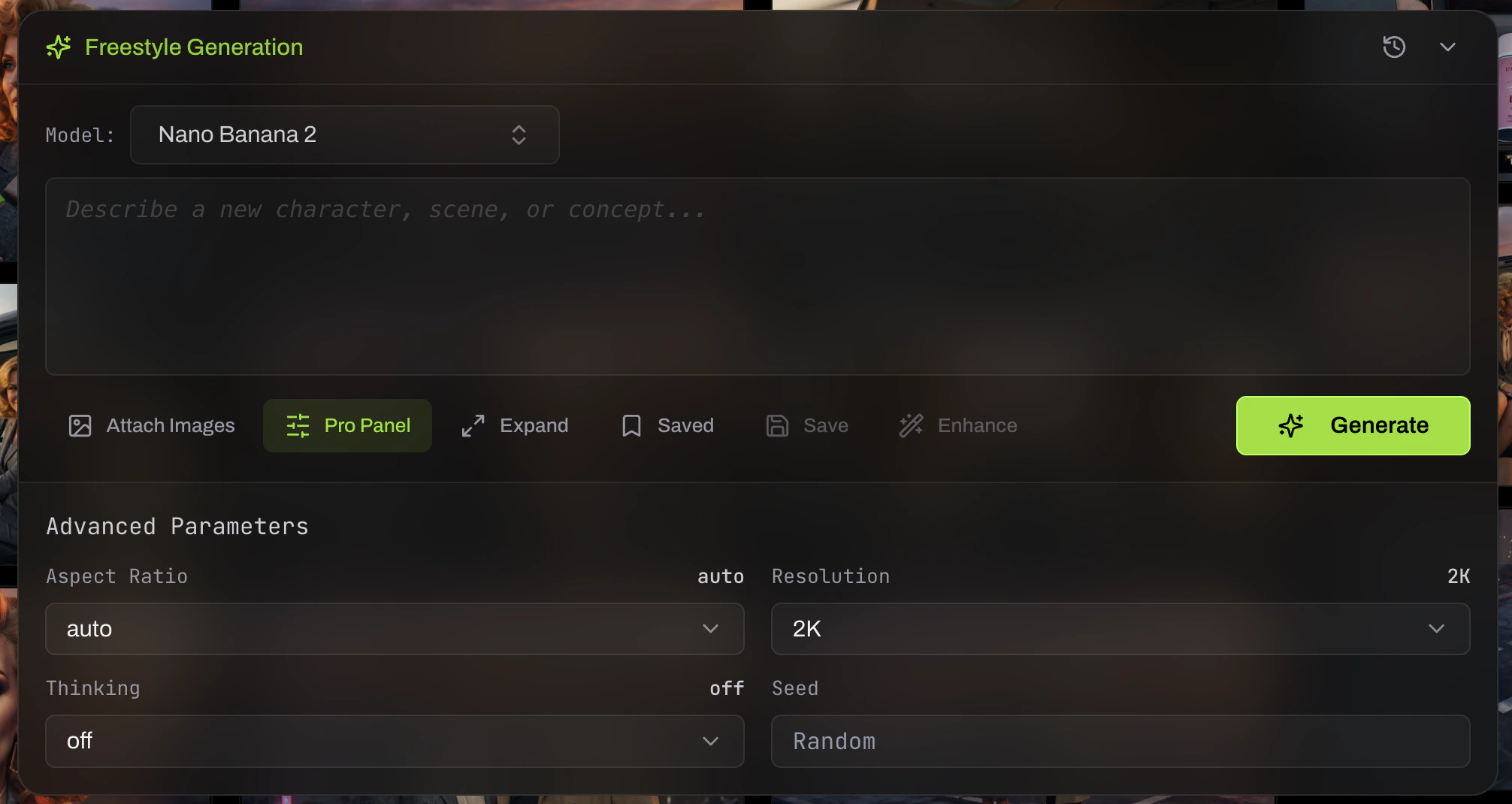
Type @ and mention the character. Add freestyle direction — “medium close-up, soft window light, looking down.” Loraverse compiles the prompt with the character’s canonical references attached. Hit Generate.
Your first portrait happens before you’ve written a real prompt.Your first move isn’t a prompt. It’s a generation.