

Documentation Index
Fetch the complete documentation index at: https://docs.loraverse.io/llms.txt
Use this file to discover all available pages before exploring further.
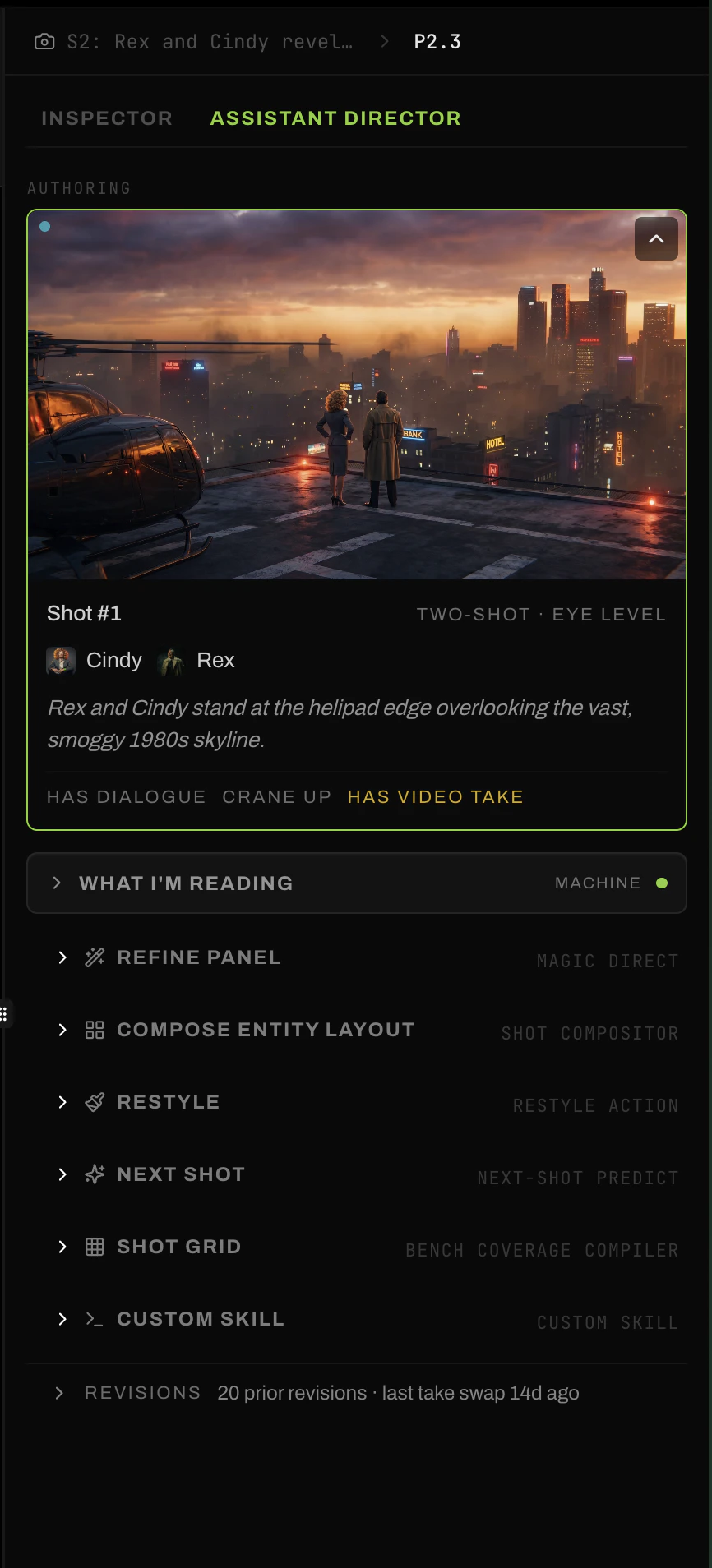
At scene depth
Plan Whole Scene
Propose the full beat structure for this scene. Reads a linked script, or works from a brief.
Add New Beat
Propose a single new beat to fit somewhere in the existing arc.
At beat depth
Plan Coverage
Propose the shot list for this beat. Angles, framings, the coverage the beat needs to read on screen.
Coverage Grid
Generate a grid of shot variations in one pass. Options on the table before committing.
At shot depth
Refine Panel
Adjust this shot in place. Push the framing tighter, swap the angle, soften the mood.
Compose Entity Layout
Reorganize who’s in frame and where they stand. The cast is right, the blocking is off.
Restyle
Re-render this shot in a different visual register without changing what’s happening.
Next Shot
Propose what comes after this one, given the beat and the shots already in it.
Shot Grid
Generate variations on this shot. Different angles, different moments from the same beat.